
How to film for robots
Framing, light, length, narration, and the ten mistakes that get clips rejected. Read once, earn from every clip after.
What a robot actually needs from your clip
A robot learning to fold a towel does not need a beautiful video. It needs to see the whole towel, both of your hands, every step from the first touch to the moment you let go, and it needs to know why you did each thing. That last part is where most footage falls short, and where you can stand out.
Every task on HUMXN Work lists a checklist: what must be in the shot, what must not, how long, which shape. The checklist is the contract. Meet it and your clip is accepted. The rest of this guide is how to meet it without thinking about it.
Talk through it: the words matter as much as the motion
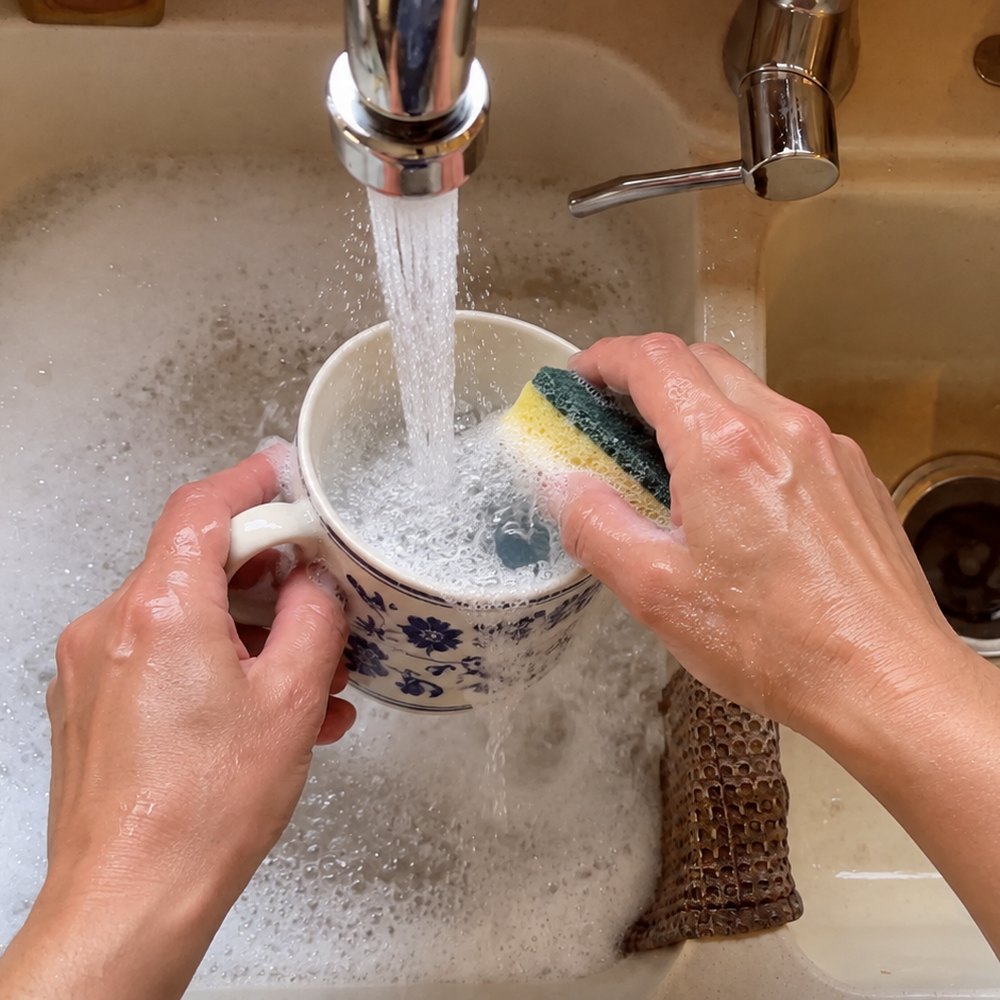
As you do the task, say what you are doing and why, in plain language, as if explaining it to someone who cannot see. "I am picking up the corner closest to me because the far one is under the fold. Smoothing it flat so the next fold lines up. Checking the edges match before I press." Short sentences. No script. No performance.
Say what you look at, what you check, what you avoid and what you would do differently if something went wrong. "That slipped, so I am starting the fold again from the edge." Mistakes you narrate are more valuable than perfect takes you do not.
Narrated clips pay more and are accepted more often, because intent is what a camera cannot capture on its own. If a task does not ask for narration, narrate anyway; it never hurts.
“I’m folding the long edge first so the towel stays square. Now I’m smoothing it flat before the second fold.”Say it out loud while you film. Intent is what the camera cannot see.
Setup: the thirty seconds that decide the clip
Prop the phone, do not hold it. A small tripod, a mug, a stack of books, a phone stand from any shop. Handheld footage shakes, and shake gets clips rejected.
Put the camera where a person would stand to do the task: slightly above and in front, looking down at the work surface, close enough that the object fills a third of the frame. For "egocentric" tasks the camera goes on your head or chest, looking where you look.
Clear the frame. Move the mail, the mug, the charging cable. The task should be the only thing happening in the shot.
Light from the front or the side, never from behind the task. Daylight from a window is best. A desk lamp pointed at the work surface is fine. Overhead lights alone put your hands in shadow.
Shooting: start still, end still, one take
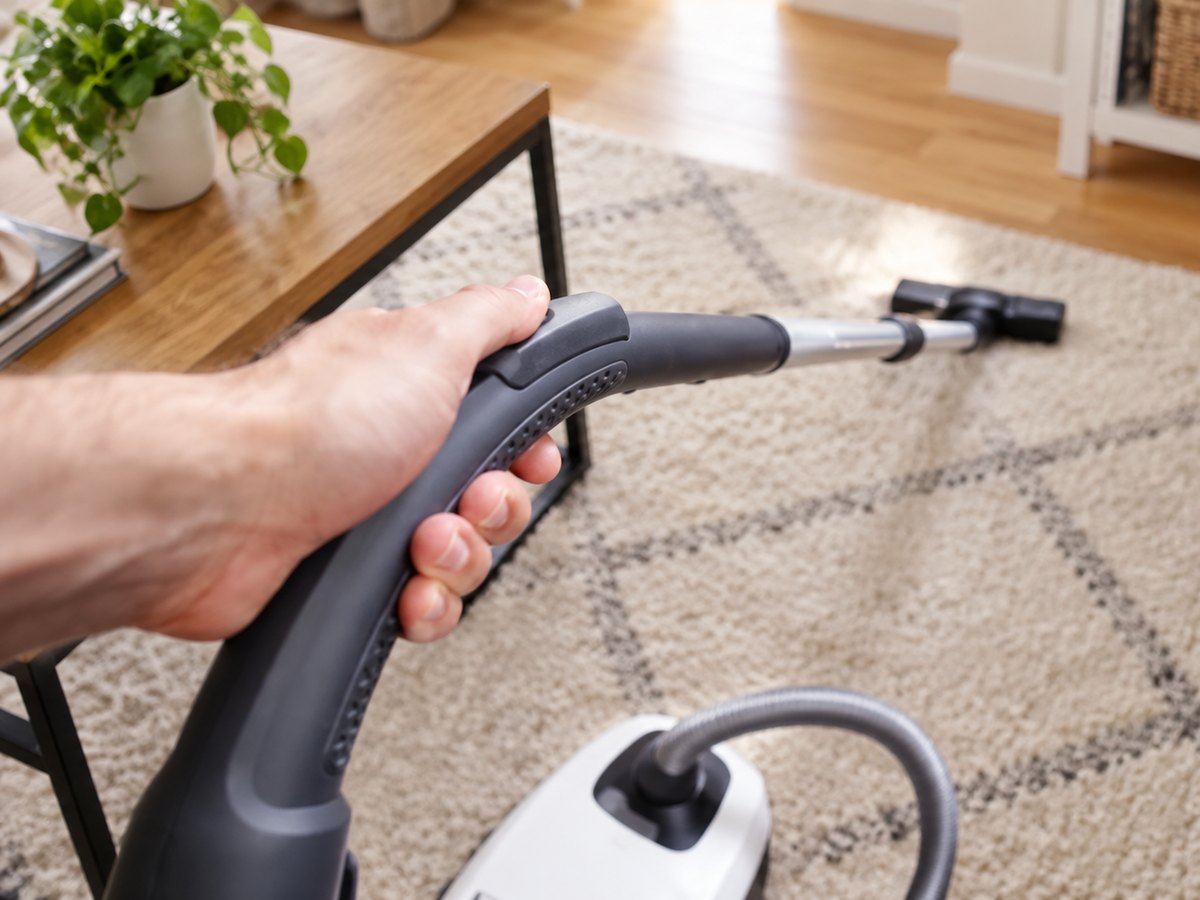
Press record, then hold still for two seconds before you begin. Finish the task, let go, and hold still for two seconds before you stop. Those still moments give a clean start and end state, which many tasks require.
One continuous take. No cuts, no speed changes, no filters, no music, no text on screen. If something goes wrong, keep going and narrate it, or stop and start a new recording. Never edit.
Match the length. If the task says 20 to 40 seconds, aim for 30. Longer is not better; the reviewer is checking the checklist, not admiring your work.
Match the shape. Vertical means the phone upright; horizontal means on its side. Pick before you press record, and do not rotate mid-clip.
Shoot the same task two or three times if you have the time. Teams often want multiple clips of the same thing, and the second take is usually better than the first.
The ten mistakes that get clips rejected
- 01Hands or the object leave the frame, even briefly.
- 02Shaky, handheld footage.
- 03Backlit: a window behind the task turns everything into a silhouette.
- 04Cuts, speed-ups, filters, music or captions.
- 05Wrong length or wrong orientation for the task.
- 06No narration when the task asked for it.
- 07A face in the shot on a task that said no faces.
- 08Logos, screens or documents visible when the task said none.
- 09Starting mid-task or stopping before the object is released.
- 10Uploading a duplicate: the same file twice, or a near-identical re-encode.
Submitting: the title and description are read
Title the clip with what happens: "Folding a bath towel in thirds on a counter". Not "IMG_4312".
In the description say what you did, where, with what camera, and anything you were thinking about that did not make it into the narration. Teams read this alongside the clip, and it is captured as context for training.
Submit against the task from the task page and tick the checklist only when the clip genuinely meets every item. A rejected clip costs you nothing but time; a dishonest tick costs you trust.
Upload clips you film without a task to your library. When a matching task appears you can send them in from the task page.
Kit that pays more
A head-mounted camera, even a cheap action cam on a strap, qualifies you for first-person tasks, which pay more than a phone clip. Keep it level and look at what your hands are doing.
If you operate a robot arm or a teleoperation rig, you are the scarcest kind of creator on the platform. Those tasks pay the most, and teams often want the command stream alongside the video.
Ready when you are.
Pick an open task, prop the phone, talk through it. Your first clip could be accepted tonight.